

l Resources

Use this printable student notebook and activity sheet to learn more about the Hummingbird Duo hardware
Controller
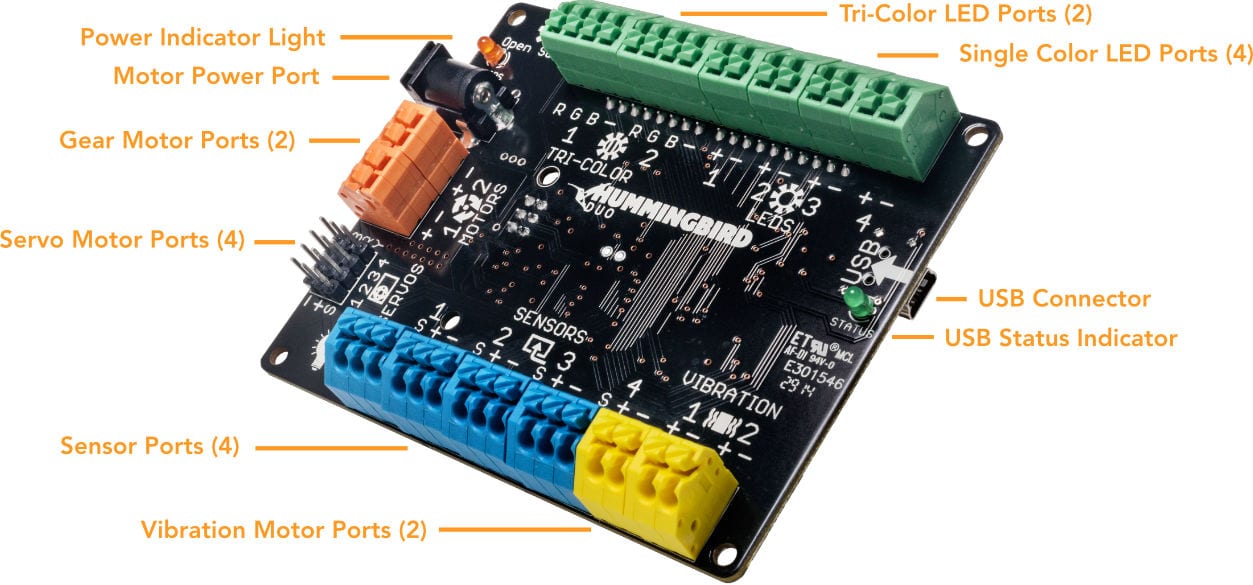
| Components | What Does It Do? | Plug It In | Icon |
|---|---|---|---|
| Outputs | |||
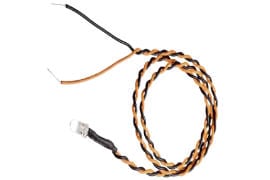 Single Color LED |
Control the brightness of the light |
Color: + (Positive)
|
 |
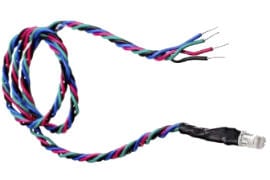 Tri-Color LED |
Control the color of the light |
Red: R (Red)
|
 |
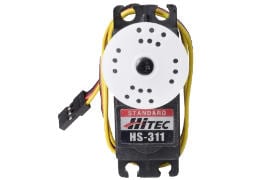 Servo Motor |
Control the angle of the motor from 0° to 180° |
Yellow: S (Signal)
|
 |
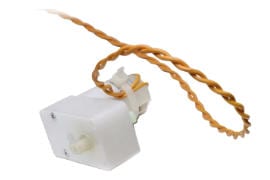 Gear Motor |
Control the speed of rotation |
Yellow: + (Positive) and - (Ground)
|
 |
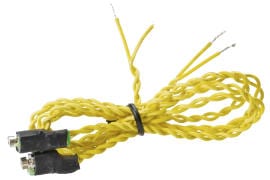 Vibration Motor |
Control the intensity of vibration |
Yellow: + (Positive) and - (Ground)
|
 |
| Inputs | |||
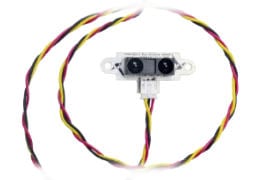 Distance Sensor |
Measure the distance to the closest object |
 |
|
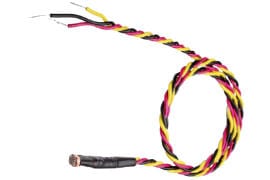 Light Sensor |
Measure the light around the robot |
|
|
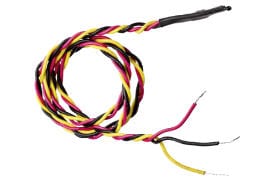 Temperature Sensor |
Measure the temperature around the robot |
|
|
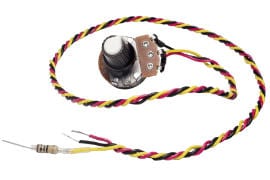 Dial Sensor |
Measure how much the knob is turned |
|
|
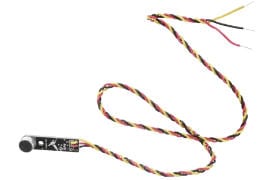 Sound Sensor |
Measure the sound around the robot |
|
|
